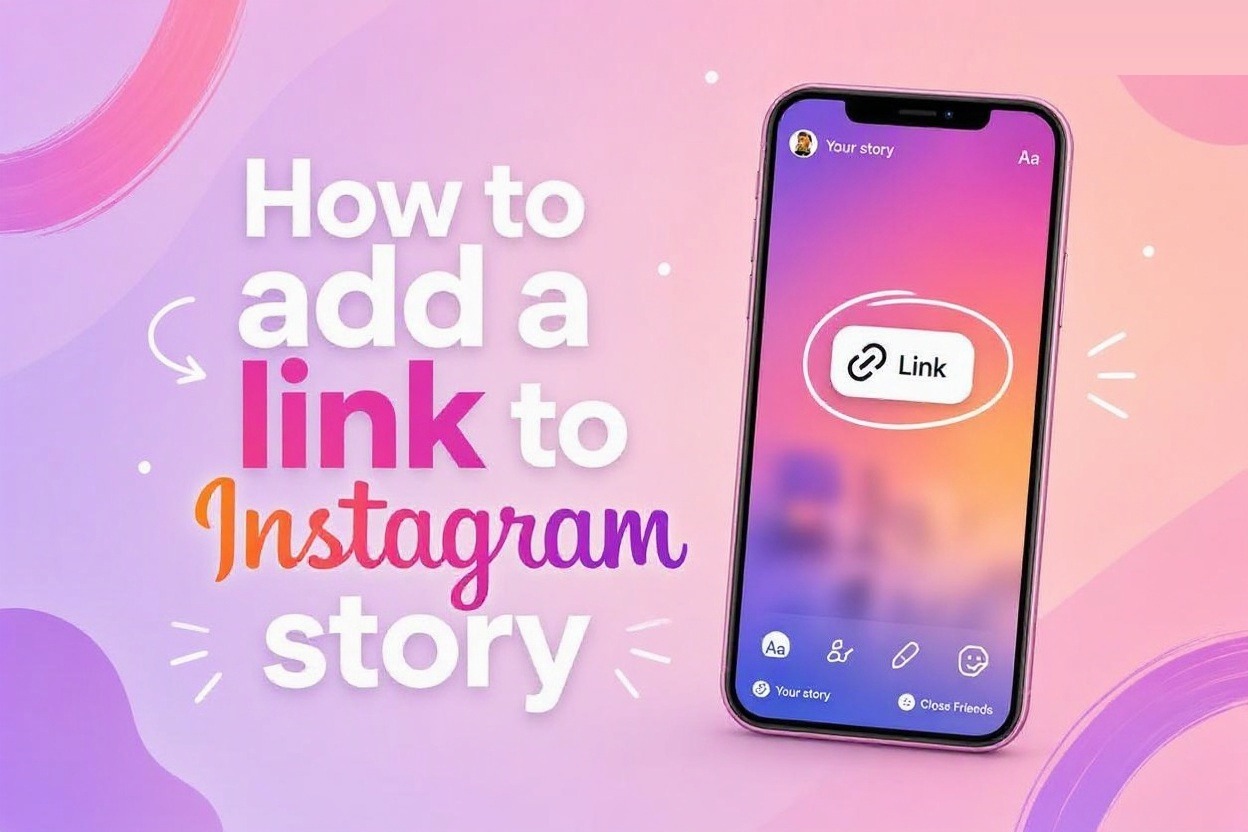
Learning how to add a link to Instagram story can completely change the way you connect with your audience, because it turns a simple photo or video into an interactive doorway to your website, product, blog, or offer. Instead of hoping followers will search for you later, you give them a one-tap path to take action right in the moment.
For years this feature was limited to large accounts, but now almost everyone can add a link to Instagram story using the built-in link sticker. Whether you are a small business owner, creator, marketer, or just sharing something helpful with friends, this tool makes your stories more useful and measurable.
In this complete guide, you will learn exactly how to add a link to Instagram story step by step, why it matters for growth, best practices that increase taps, common mistakes that hurt clicks, and smart ways to use links for sales, content promotion, and engagement. Everything is explained in simple language with practical examples.
By the end, you will know not only the technical process but also how to design stories that make people want to tap, how to track what works, and how to fix problems when your sticker does not work as expected. Let us start with why this small feature has such a big impact.
Instagram stories are short, visual, and urgent, which makes them perfect for driving immediate action. People watch them in full-screen mode with sound on, and they are already in a tapping mindset. A clear link gives that attention a clear next step.
Unlike a feed post where links are not clickable in captions, stories let viewers move from inspiration to action in one second. That difference is powerful for product launches, limited offers, new videos, event signups, and time-sensitive announcements.
The link sticker also feels more natural than older swipe-up links because viewers can see it, move it, and tap it easily. You can customize its text, place it where it does not block your face or product, and pair it with arrows, GIFs, or a strong call to action.
For businesses and creators, story links bridge the gap between social discovery and real results. You can send warm followers directly to a checkout page, booking form, affiliate product, YouTube video, newsletter signup, or detailed guide without extra friction.
Even if you have a small audience, consistent use of story links builds a habit. When followers learn that your stories often contain helpful links, they will watch more closely, tap more often, and trust your recommendations, which steadily improves clicks and conversions over time.
Why Add A Link To Instagram Story?
1. Drive Direct Traffic To Your Website
One of the biggest reasons to learn how to add a link to Instagram story is the ability to send engaged viewers straight to your website without extra steps. Instead of saying link in bio and hoping they will click away, you place the destination right inside the story. This reduces friction, increases visits to product pages and blog posts, and helps you turn casual viewers into actual website visitors who can read, shop, or sign up immediately.
2. Increase Sales And Product Discovery
Story links are extremely effective for selling because they capture people when interest is highest. You can showcase a product in a 15-second clip, add a link sticker labeled Shop Now or See Details, and let viewers tap to buy. This works well for new arrivals, restocks, discounts, handmade items, digital products, and affiliate recommendations, because the visual proof plus instant access shortens the decision process and lifts conversion rates significantly.
3. Grow Your Content Views Quickly
If you publish blogs, YouTube videos, podcasts, or Reels, story links help you promote each new piece to your warmest audience first. A short teaser with behind-the-scenes footage plus a link sticker saying Watch Full Video can drive a strong spike in early views. Those early clicks signal value to algorithms, improve ranking and suggested placement, and help your content reach new people faster than relying on feed distribution alone every single time.
4. Generate Leads And Email Signups
Stories are ideal for lead generation because they feel personal and timely. You can offer a free checklist, webinar seat, discount code, consultation call, or newsletter and link directly to the signup form. Since viewers only need one tap, completion rates are often much higher than sending them to a bio link. Over time, this helps you build an email list you own, which protects your business from algorithm changes and creates repeat traffic on demand.
5. Promote Events And Limited Offers
When you have a deadline, story links create urgency that feed posts often miss. You can count down to a live class, flash sale, ticket release, or application closing date and include a direct registration link. Adding text like Only 10 Spots Left or Ends Tonight encourages immediate tapping. Because stories appear at the top of the app and disappear in 24 hours, they naturally support fast action and help you fill events without spending extra on ads.
6. Build Trust With Helpful Resources
Not every link needs to sell something, and helpful links often earn the most taps over time. You can share tutorials, FAQs, sizing guides, customer reviews, support pages, or charity fundraisers that answer real follower questions. When people see that your story links consistently save them time or solve problems, they begin to trust your recommendations more. That trust leads to higher tap-through rates, more replies, more shares, and stronger long-term relationships with your community.
7. Track Performance And Improve Strategy
Another major benefit is measurability, because Instagram provides insights on sticker taps, reach, navigation, and profile visits for business and creator accounts. By testing different link texts, positions, backgrounds, and calls to action, you can learn exactly what motivates your specific audience. This data helps you refine your content, post links at the best times, focus on high-performing offers, and make smarter decisions instead of guessing what your followers actually want from your stories.
Steps To Add A Link To Instagram Story
1. Open Instagram and swipe right or tap Your Story: Start from the home feed, tap your profile photo with the plus icon or swipe right to open the story camera. You can record a new video, take a photo, or swipe up to choose existing content from your gallery.
2. Create or upload your story content: Record a clear 15-second message, show your product in use, or design a simple background in Canva. Keep text large and leave empty space at the top or bottom where your link sticker will sit without covering important details.
3. Tap the sticker icon at the top: After preparing your visual, tap the square smiley sticker icon in the top menu. This opens the tray with polls, questions, music, location, and other interactive stickers you can add to increase engagement before adding your link.
4. Select the Link sticker from the tray: Scroll through the sticker options and tap Link, which shows a chain-link icon. This is the current method to add a link to Instagram story, replacing the old swipe-up feature that required ten thousand followers.
5. Paste or type your destination URL: Enter the full web address for your product page, blog post, signup form, or video in the URL field. Double-check spelling, remove extra spaces, and use a short clean link when possible so it loads fast and looks trustworthy to viewers.
6. Customize the sticker text for more clicks: Tap Customize sticker text and type short action words like Shop Here, Read Guide, Get 20 Percent Off, or Apply Now instead of showing the raw web address. Clear benefit-driven text can significantly increase tap rates compared to generic wording.
7. Place and resize the sticker thoughtfully: Drag the link sticker to a visible area, pinch to resize it so it is easy to tap but not covering faces, and add an arrow or pointing GIF. Test the tap area with your own thumb to ensure it is comfortable on small phones.
8. Preview, test, and publish your story: Tap the sticker to preview the link destination, check that the page loads correctly on mobile, then share to Your Story or Close Friends. After publishing, view it yourself and tap through to confirm everything works for your audience.
Best Practices For Story Links
- Use Clear Action Words: Always tell viewers exactly what happens after the tap with phrases like Shop the Look, Read the Full Review, or Book Your Spot. Specific calls to action remove confusion and can double taps compared to vague labels.
- Keep Visuals Simple: Avoid cluttered backgrounds, tiny fonts, or too many stickers competing for attention. One strong image, three to five words of headline text, and one visible link sticker perform best on small mobile screens.
- Show Your Face: Talking to the camera for five seconds builds trust and explains why the link matters. People tap more when they hear genuine excitement and understand the benefit in your own voice rather than just seeing a graphic.
- Add Urgency Honestly: Mention real deadlines, limited stock, or bonuses for fast action when they are true. Honest urgency like Sale Ends Sunday motivates immediate taps without damaging trust or sounding pushy to loyal followers.
- Test Placement Often: Try the sticker at the bottom center, middle side, and near your pointing hand across different stories. Check insights for taps and use the best-performing position consistently while still varying creative to avoid fatigue.
- Pair With Engagement Tools: Add a poll, question box, or countdown alongside your link to boost interaction before the tap. Higher engagement keeps your story visible longer, which leads to more views and more opportunities for link clicks.
- Optimize Mobile Landing Pages: Ensure the linked page loads in under three seconds, has large buttons, and matches the story promise. If viewers land on a slow or confusing page, they will leave quickly and may hesitate to tap your future links.
Common Story Link Mistakes To Avoid
1. Using Long Ugly URLs Without Custom Text
Many beginners paste a long link and leave the raw address visible on the sticker, which looks messy and untrustworthy on a small screen. Long strings with random numbers and tracking codes confuse viewers and reduce taps. Instead, always customize the sticker text with a short benefit like Get Recipe or View Pricing. A clean label looks professional, sets clear expectations, and makes people feel safe tapping through to learn more about your offer.
2. Hiding The Sticker Behind Other Elements
A common error is placing the link sticker where it gets covered by your profile icon, reply box, GIFs, or large captions. If viewers cannot easily see or tap it, even great content will get few clicks. Always leave breathing room around the sticker, keep it away from the very top and bottom edges, and preview your story on different phone sizes. Make the sticker large enough for thumbs, use contrast colors, and point to it visually for best results.
3. Forgetting A Strong Call To Action
Simply adding a link without telling people why to tap is one of the fastest ways to waste impressions. Viewers scroll quickly through stories, so they need verbal and visual cues like Tap Here To Shop or Swipe Through Then Tap Link. Explain the benefit in one sentence, show the outcome, and repeat the instruction with on-screen text and voice. Clear direction removes hesitation, increases sticker taps, and helps followers understand the value waiting on the other side.
4. Linking To Slow Or Irrelevant Pages
Sending traffic to a homepage when you promised a specific product creates frustration and high bounce rates. Similarly, linking to slow pages with popups, auto-play videos, or broken mobile layouts kills trust instantly. Always link directly to the exact item, section, or form mentioned in your story. Test load speed on mobile data, remove unnecessary steps, and make sure headlines match so viewers immediately recognize they arrived at the right place.
5. Posting Links Without Context Or Storytelling
Dropping a product photo with only a link sticker rarely convinces anyone to tap, because there is no emotional reason to care. Effective stories use a simple arc with a problem, solution, and proof before asking for the click. Share a quick testimonial, demonstration, or personal result first, then present the link as the natural next step. This storytelling approach builds curiosity and credibility, making the tap feel helpful rather than salesy or random to your audience.
6. Ignoring Insights And Repeating Poor Results
Many creators add links daily but never check sticker taps, exits, or follows to see what actually works. Without reviewing insights, you may keep using weak designs, bad posting times, or offers your audience does not want. Set a weekly habit to compare top and bottom performing link stories, note patterns in visuals and wording, and double down on winners. Small data-driven tweaks to text, color, and timing often produce large gains in clicks over time.
7. Violating Instagram Rules With Misleading Links
Using deceptive claims, cloaked URLs, or links to prohibited content can trigger reduced reach or removal of the link feature. Examples include fake giveaways, misleading before-and-after health claims, or redirecting to spammy pages. Always be honest about pricing, results, and destinations, follow community guidelines, and only promote offers you have tested yourself. Maintaining a clean record protects your account, preserves audience trust, and ensures you keep long-term access to story linking tools.
Knowing how to add a link to Instagram story gives you a simple but powerful way to turn attention into action. With just a photo, a clear message, and a well-placed link sticker, you can drive traffic, sales, signups, and meaningful engagement without needing a large following.
The key is to combine the technical steps with good strategy by using clear calls to action, clean visuals, honest urgency, and mobile-friendly landing pages. Avoid common mistakes like hidden stickers and vague messaging, and review your insights regularly.
Start small by adding one helpful link to your next story, test different texts and placements, and build from what works. Over time, your followers will learn to watch and tap, making every story a valuable opportunity for growth.
With consistent practice, story links will become a natural part of your content routine and a reliable driver of real results for your brand, business, or creative project.
FAQs About Instagram Story Links
Do I Need Ten Thousand Followers To Add A Link?
No, you no longer need ten thousand followers or verification to share links. Instagram replaced swipe-up with the link sticker for all accounts. If you do not see it, update your app, switch to a creator or business profile, and check your region and account standing.
Why Is My Instagram Link Sticker Not Showing?
The sticker may be missing due to an outdated app, restricted region, new account limits, or community guideline violations. Update Instagram, restart your phone, clear cache, log out and back in, and ensure your account is in good standing to restore access quickly.
How Many Links Can I Add To One Story?
You can add one link sticker per story frame, but you can post multiple frames in a row with different links. For many destinations, create a simple landing page with buttons or use story highlights to organize important links for easy access.
What Text Should I Put On My Link Sticker?
Use short, specific action phrases that promise a clear benefit, such as Shop Now, Get Free Guide, Watch Tutorial, or Book A Call. Avoid raw URLs and vague words like Click Here, because descriptive labels build trust and significantly improve tap-through rates.
Can I See Who Tapped My Story Link?
You cannot see individual names for sticker taps, but business and creator accounts can see total taps, reach, impressions, and navigation in story insights. Use these totals plus website analytics with tracking parameters to measure which stories drive the most valuable traffic.
Do Story Links Expire After Twenty Four Hours?
Yes, regular stories disappear after twenty four hours, but you can save link stories to highlights. Note that links in highlights remain tappable, which makes them perfect for FAQs, bestsellers, booking pages, and evergreen resources your new followers should see first.